

How it works: CoachIQ builds and maintains the app for you. You provide your branding. For iOS, your app is published under your own Apple Developer Organization membership. Our team guides you through the Android publishing setup separately.
What is a Personalized App?
A Personalized App is a custom-branded version of CoachIQ available for iOS and Android under your business name. Your athletes download your app, not CoachIQ, and experience your brand from the moment they open it.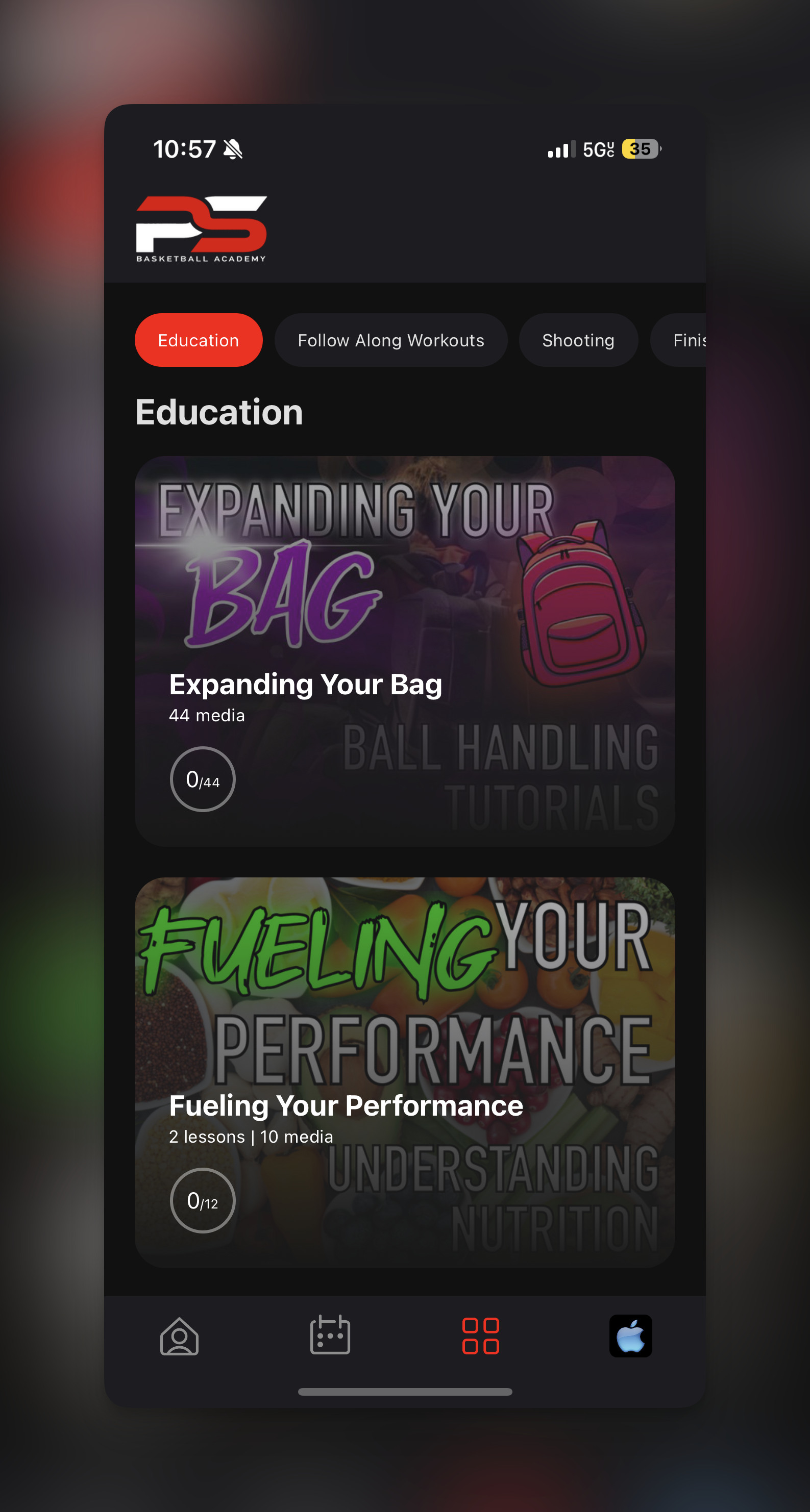
- App name (your business name in the store)
- App icon (your logo)
- In-app colors and theming
- Splash screen
- Store listing (description and screenshots, which we design with you)
- Your CoachIQ scheduling, programs, messaging, and account experience; checkout availability depends on the app version and enabled features
- Automatic updates as CoachIQ releases new functionality
- Ongoing maintenance and support
Available for iOS and Android. Ask the CoachIQ team to include Android in your Personalized App request. An existing iOS listing does not mean your Android listing is already live; share each store link after your build is approved.
What You Get
Your own store presence gives your business an edge that a generic platform can’t match.- Instant credibility. Parents and athletes trust businesses with their own dedicated app.
- Everyday brand visibility. Your icon lives on their home screen, keeping your brand in front of them daily.
- A direct line to your athletes. Push notifications reach them without competing with anyone else’s messaging.
- Higher engagement and retention. Everything your athletes need is one tap away, which keeps them active and coming back.
- A professional edge. You stand out from competitors still running on a shared, generic platform.
What’s Included
CoachIQ manages everything behind the scenes so you can focus on coaching, not tech:- Automatic updates: We maintain your app as CoachIQ changes; availability of a new build depends on its store release
- Ongoing maintenance: We handle technical updates and store requirements
- Support: Our team is here if any issues come up
Migrating Existing Athletes
If you’re already using CoachIQ, your existing data transfers seamlessly to your new Personalized App. Current athletes can switch to your branded app, and all future athletes will use it from day one.Ready to Get Your Own App?
To get started, follow the setup guide and let the CoachIQ team know whether you need iOS, Android, or both. You do not need to submit a Power-Up request.See what setup looks like
Review the Personalized App Setup guide for the full step-by-step process, with separate iOS and Android guidance.
Common Questions
Do I own the app?
Do I own the app?
Your iOS app is published under your own Apple Developer Organization membership. Confirm Android publishing and account ownership details with the CoachIQ team during setup.
What about Android?
What about Android?
Android Personalized Apps are now available. Contact the CoachIQ team to request the Android version for your business. Once its Google Play listing is live, share that link with Android athletes; keep using your Apple App Store link for iPhone athletes.
Can I update my branding later?
Can I update my branding later?
Yes. If you rebrand or want to refresh your look, contact CoachIQ support to request an update. Minor changes (colors, text) can be pushed quickly. Major changes (app name, icon) may require a new review in the relevant store.
Do my current athletes need to do anything?
Do my current athletes need to do anything?
Existing athletes will need to download your new branded app. All their data and history will be there when they log in.
What do new athletes see on first open?
What do new athletes see on first open?
An athlete who already has an account signs in as usual. Supported app builds prompt a new athlete to sign up on their first login attempt. If the installed build does not offer registration, share your web sign-up link. The account they create lands in your organization with the account type and sign-up fields you set in Sign-up & Profile.
Can athletes buy things inside my app?
Can athletes buy things inside my app?
Booking works in the app, including the pay-or-credit choice when a scheduler accepts both. Follow the checkout offered by your released app: eligible purchases can use native checkout where enabled, while other purchases open in the browser. See Booking in the native app.
What if I cancel CoachIQ later?
What if I cancel CoachIQ later?
The app is powered by CoachIQ’s platform. If you cancel your CoachIQ subscription, the app would no longer function, but you retain ownership of the app listing in your Developer account.