

Overview
Connecting your GoDaddy domain to CoachIQ is simple - you’ll grant our team temporary access to configure your domain settings, and we’ll handle all the technical work. This process takes about 5 minutes on your end, and your domain will be fully connected within 24-48 hours.What is delegate access? Delegate access allows CoachIQ’s team to manage your domain settings without accessing your payment methods or personal information. You can revoke this access anytime after setup is complete.
Before you begin
You’ll need:
- Your GoDaddy login credentials
- The domain you want to connect
- Your CoachIQ website published and ready
Connect your domain
1
Log in to GoDaddy
Visit GoDaddy.com and sign in to your account using your email and password.
2
Go to Delegate Access
Once logged in, navigate directly to your GoDaddy Delegate Access page.You can also find this by:
- Clicking your name in the top right
- Selecting “Account Settings”
- Choosing “Delegate Access” from the menu
3
Click Invite to Access
Under the People who can access my account section, click the Invite to Access button.
4
Enter CoachIQ's information
Fill in the following details exactly as shown: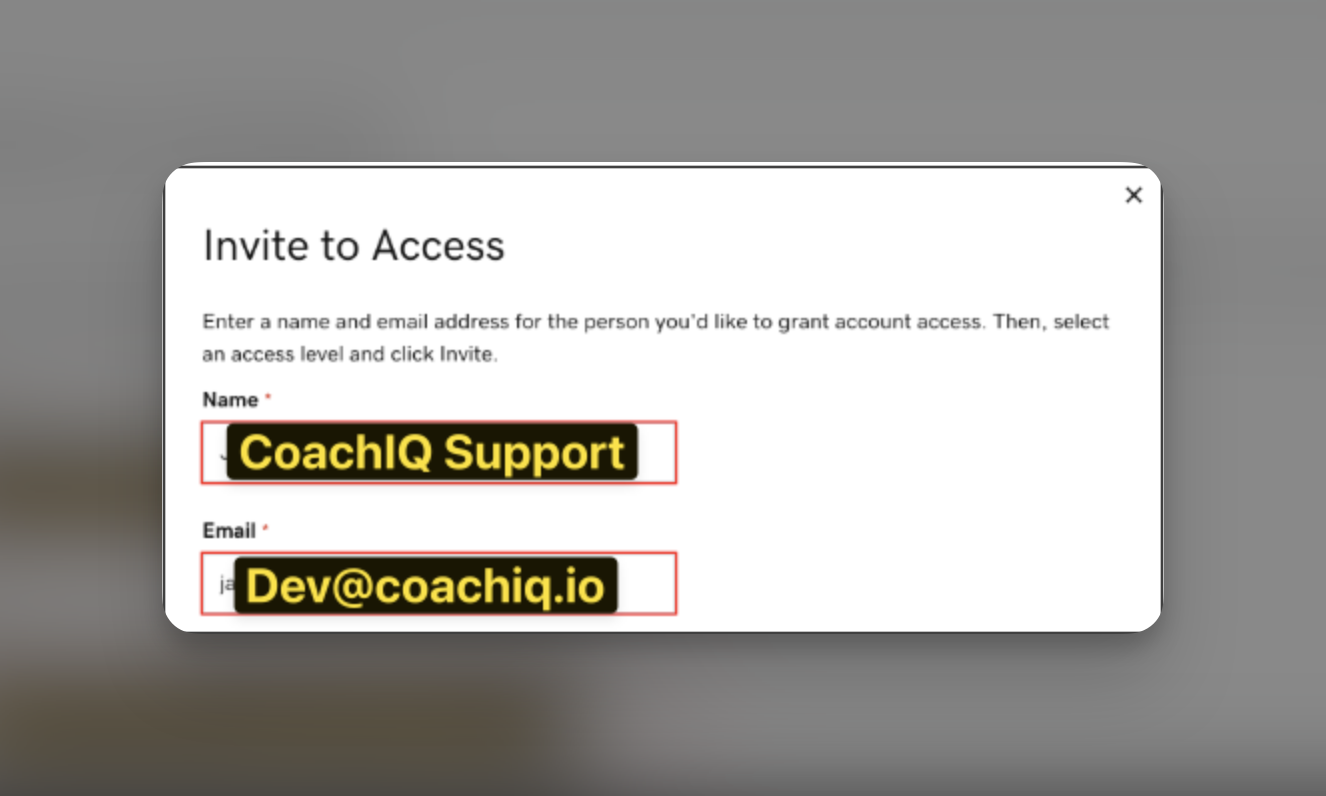
- Name: CoachIQ Support
- Email:
dev@coachiq.io
5
Set the access level
Select Products, Domains, & Purchase from the access level dropdown.This gives our team permission to: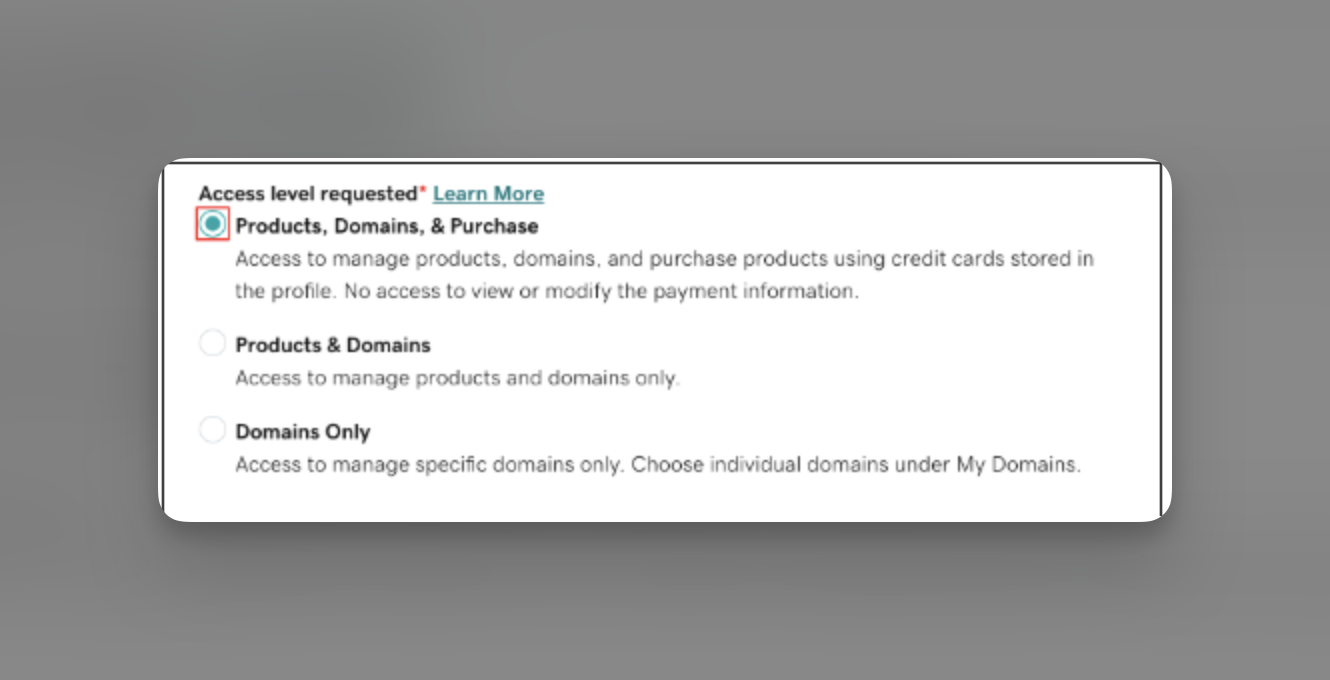
- Configure your domain settings
- Update DNS records
- Point your domain to CoachIQ
- Your payment methods
- Personal account information
- Other products you may have
6
Send the invitation
Click the Invite button to send the invitation to our team.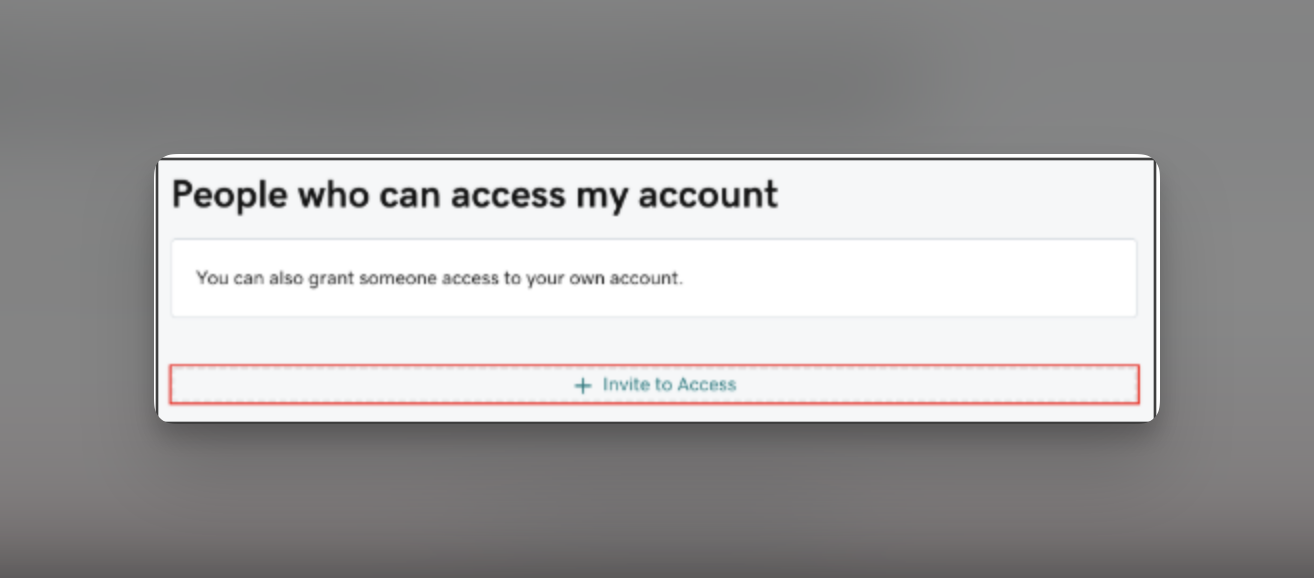
Invitation sent! You’ll receive an email confirmation from GoDaddy, and our team will be notified immediately.
7
Notify CoachIQ support
Send a quick message to our support team letting us know:
- Your domain name
- That you’ve granted delegate access
What happens next?
Our team will:
- Accept your delegate invitation (within 2-4 hours during business hours)
- Configure your domain’s DNS settings
- Set up SSL security certificates
- Test the connection
- Notify you when everything is complete
Common questions
Is delegate access safe?
Is delegate access safe?
Yes! Delegate access is GoDaddy’s secure way to let professionals help with your domain. We can only access domain settings - never your payment information or personal details. Plus, you can revoke access anytime.
How long do you need access?
How long do you need access?
We typically complete the setup within 24-48 hours. Once your domain is connected and working, you can revoke our access if you’d like, though keeping it active helps if you need future support.
Can I revoke access later?
Can I revoke access later?
Absolutely! To revoke access:
- Go back to your Delegate Access page
- Find “CoachIQ Support” in your delegates list
- Click “Remove” next to our name
What if I can't find the Delegate Access page?
What if I can't find the Delegate Access page?
If you’re having trouble finding the page:
- Log into GoDaddy
- Click your profile name (top right)
- Select “Account Settings”
- Look for “Delegate Access” in the left menu
Will my email still work?
Will my email still work?
Yes! We only modify website-related DNS records. Your email settings (MX records) remain untouched, so your email will continue working exactly as before.
What if I have multiple domains?
What if I have multiple domains?
The delegate access covers your entire GoDaddy account, so if you have multiple domains you want to connect, just let us know which ones when you contact support.
Troubleshooting
Alternative: Manual DNS setup
Prefer to handle the technical setup yourself? Check our DNS & Permissions guide for the specific DNS records you’ll need to add.Need help?
If you run into any issues or have questions about connecting your GoDaddy domain:- Contact our support team with your domain name
- We typically respond within 2-4 business hours
- Include “GoDaddy Domain Connection” in your message for fastest routing