

Use CoachIQ with ChatGPT or Claude
Connect your preferred assistant to CoachIQ, verify its access, and create a Project with your business context and useful workflows. Choose your guide for the full setup and copyable prompts.Connect to ChatGPT
Connect to Claude
Available connections
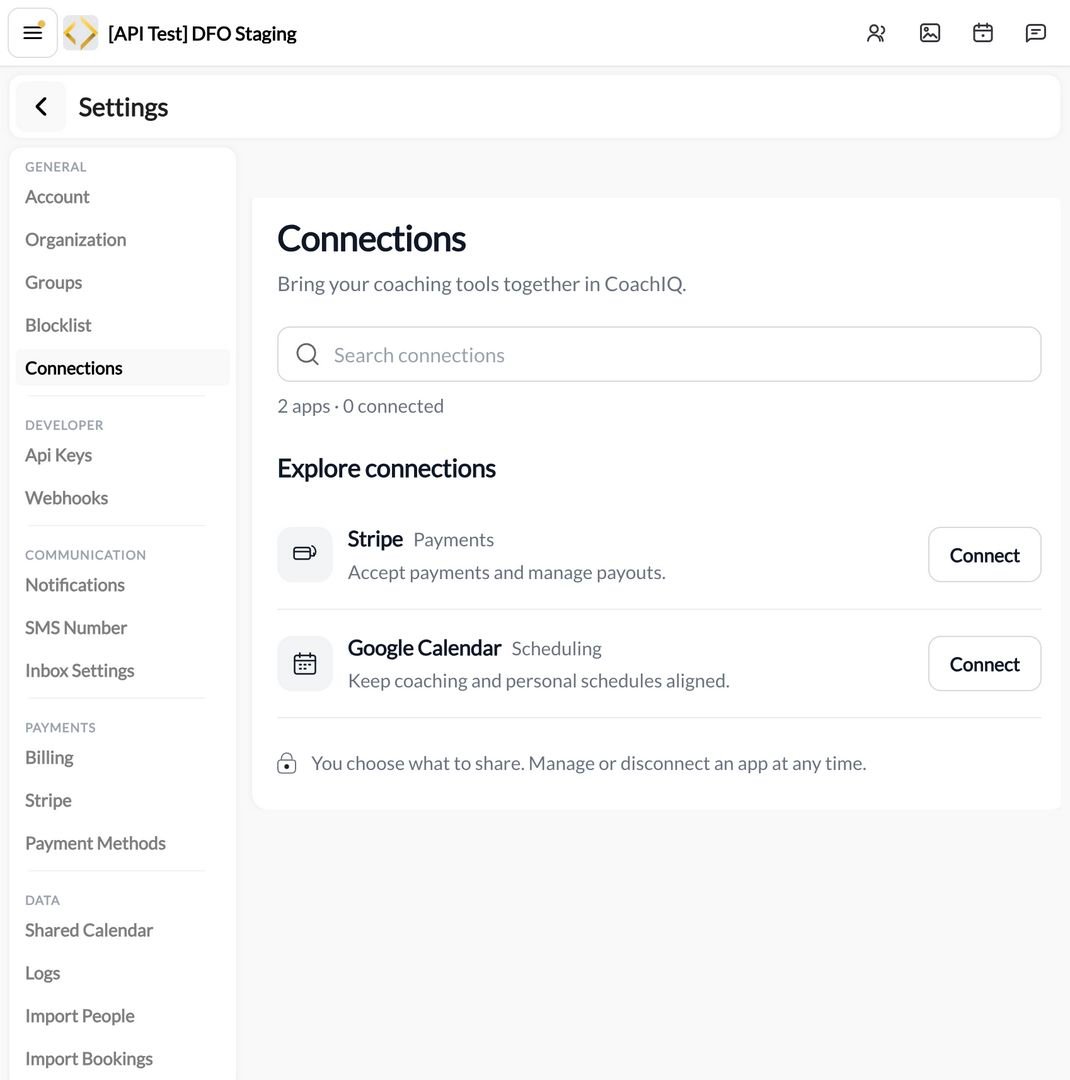
Settings → Connections in a CoachIQ test organization. This account shows Stripe and Google Calendar; ChatGPT and Claude setup starts in the assistant.
Opening ChatGPT is not confirmation that an assistant has connected to CoachIQ. Follow the connection and authorization flow in the client you use. Review the requested access before approving it. The CoachIQ approval screen shows who is connecting, which group, which app and what access, with IDs and addresses under Technical details. Cancel tells the app you declined and never grants access.
If your directory looks different
Follow the availability and access details shown in your account. A service card or an Open button alone does not confirm an active connection. Finish the service’s sign-in and approval flow, then check its status. For ChatGPT and Claude, confirm a small live CoachIQ read using the prompt in the relevant guide above.Manage or remove access
- For Stripe, use Stripe settings. Only an Admin can connect or disconnect it.
- For Google Calendar, manage linked accounts from its panel. Removal takes place through your Google account permissions, not a CoachIQ disconnect button. See Google Calendar sync.
- For assistant connections, review the permissions in the client and the CoachIQ authorization screen. Read-only access does not permit changes. Supported writes require explicit write access; the connection does not grant unrestricted access to every feature. The assistant also follows your role and any Staff Access blocks; if those change mid-conversation, it’s told that nothing changed and what to do next, such as reconnecting.
- To check what an assistant did, open Settings → Data → Logs. Its changes carry an Outside app label, and requests CoachIQ refused are marked Refused.