

Sign in with email
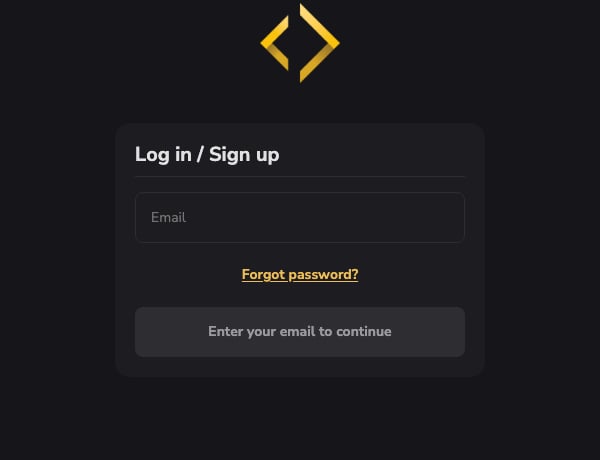
The sign-in window is titled Log in / Sign up and asks for their email first.- Someone with an account enters their password next.
- Someone new goes on to create an account with the fields from your Sign-up & Profile settings.
- Forgot password? opens your business’s own password reset page, from every place a sign-in appears on your site and app.
Sign in with a texted code
On your website’s sign-in, families can choose Text me a code instead. The code goes to the phone number on their account.- Someone whose number has no account yet can create one with a texted code and joins your business. This works for US and Canada numbers.
- Phone sign-up shows your terms and text-message consent above the Continue button so they can read them first.
- The screen always reads “We sent a code to [number] if it can receive one.”, whether or not the number has an account, so it never reveals who’s signed up.
- If a number is on several accounts and exactly one of them belongs to your business, the code goes to that account. Otherwise nothing is sent; ask them to sign in with email.
- If a code doesn’t arrive, they should check the phone number saved on their account, wait for Resend, or sign in with email instead. CoachIQ Support can see why a code text failed.
Sign in with Google
Where your site offers Continue with Google, it first shows a CoachIQ page that names your site and your business, with Continue with Google and Cancel. Google sign-in only starts from that page.- If the Google email matches an athlete or parent account that has no password and no texted-code sign-in, Google is added to that account and they get an email telling them so.
- If the account already has a password, they’re asked to sign in with it instead. If they’ve only ever signed in with a texted code, the message tells them to keep using the code.
Apple sign-in, and Google sign-in for coaches and staff, aren’t available yet.
People you added yourself
A client you add from People › Clients has no password until they set one. They can set it the first time they sign in, or you can send them a link from their profile with Send set-password email. See Help a new client set their password. A managed athlete (Managed · no login) can’t sign in until you click Enable login on the parent’s Family section. See Family.Signed in but not a member yet
Someone who is signed in but hasn’t joined your business sees one card with your logo, “Join” and your business name, and a Join Now button. Someone who belongs to another group in your organization gets a choice: go to their own group, or join this one. Removed people lose member menus and announcements straight away.When someone can’t sign in or sign up
The form says what went wrong and keeps everything they typed. The usual causes:Related articles
Sign-up & Profile
Choose what new families fill in
Family accounts
How parents manage their athletes in your app